


Creating Engaging Classes: What Worked in My Student Teaching Experience


Kamora Johnson
McKay Student Ambassador
Physical Education
Being a teacher means you are constently creating engaging ways for your students to learn. There are so many resouces you can use in your lessons. In this blog I will share some lessons I created as well as give you a list of many practical websites and tools you can use in your own classroom.

When I first began my student teaching experience, I relied heavily on my mentor teacher’s slides and lesson plans. As I grew more comfortable and confident, I gradually started creating my own lessons. For class slides, I loved using Canva. It offers a wide variety of visually appealing templates, or you can design your own from scratch. Even better, it’s free to use, which makes it a great resource for teachers.
Here are some of the slides I created for both my PE and Health classes:
Healthy relationships: https://canva.link/9a9sqkw9sv7rajs
Mental health and social media: https://canva.link/uy8hz0sochykj7x
Blue Zones: https://canva.link/6ssegau9e4nzkb0
Dating etiquette: https://canva.link/yo2qgto7kp6cpdu
Cornhole: https://canva.link/mf75zccn8f7hrbr
Pickleball powerpoint: https://canva.link/fmu19oan1tczaob
I also used Canva to create Yoga Bingo cards for our yoga unit. Even in a PE class, it’s important to incorporate a literacy component, and these cards worked well for that purpose. Students were able to play a fun, interactive game while staying active and learning the names of different yoga poses at the same time. I kept this project very cost-effective by using the school’s printer and laminator, sewing the bag from an old T-shirt, and purchasing inexpensive bingo chips on Amazon.

I used Google Forms for collecting data in my PE classes. This helped me understand what students already knew before a lesson and what they learned afterward. It also showed me what needed more clarification, which helped me improve future lessons. Here is an example of a form I gave my students: Spikeball
Here is a practical list of websites and tools teachers commonly use to create lesson materials, assignments, and interactive activities:
Learning Management Systems (LMS)These organize your class, assignments, and content in one place.
| Assessment & Form ToolsGreat for quizzes, exit tickets, and collecting data.
|
Interactive Lesson & Presentation ToolsPerfect for making lessons more engaging and student-paced.
| Content Creation & DesignFor worksheets, slides, posters, and visuals.
|
Worksheet & Assignment BuildersCreate structured practice or digital assignments.
| Video & Multimedia ToolsFor flipped classrooms or adding media to lessons.
|
Collaboration & Engagement ToolsEncourage participation and group work.
| Lesson Planning & Resource LibrariesFind or build full lessons and curriculum.
|

Teaching is a process of constant growth, creativity, and reflection, and having the right tools can make a huge difference. As I learned during my student teaching experience, you don’t have to start from scratch, using available resources and gradually adding your own ideas helps build both confidence and effectiveness. Whether you’re designing slides, collecting data, or creating interactive activities, tools like Canva and Google Forms can help bring your lessons to life in meaningful and engaging ways that your students will love!
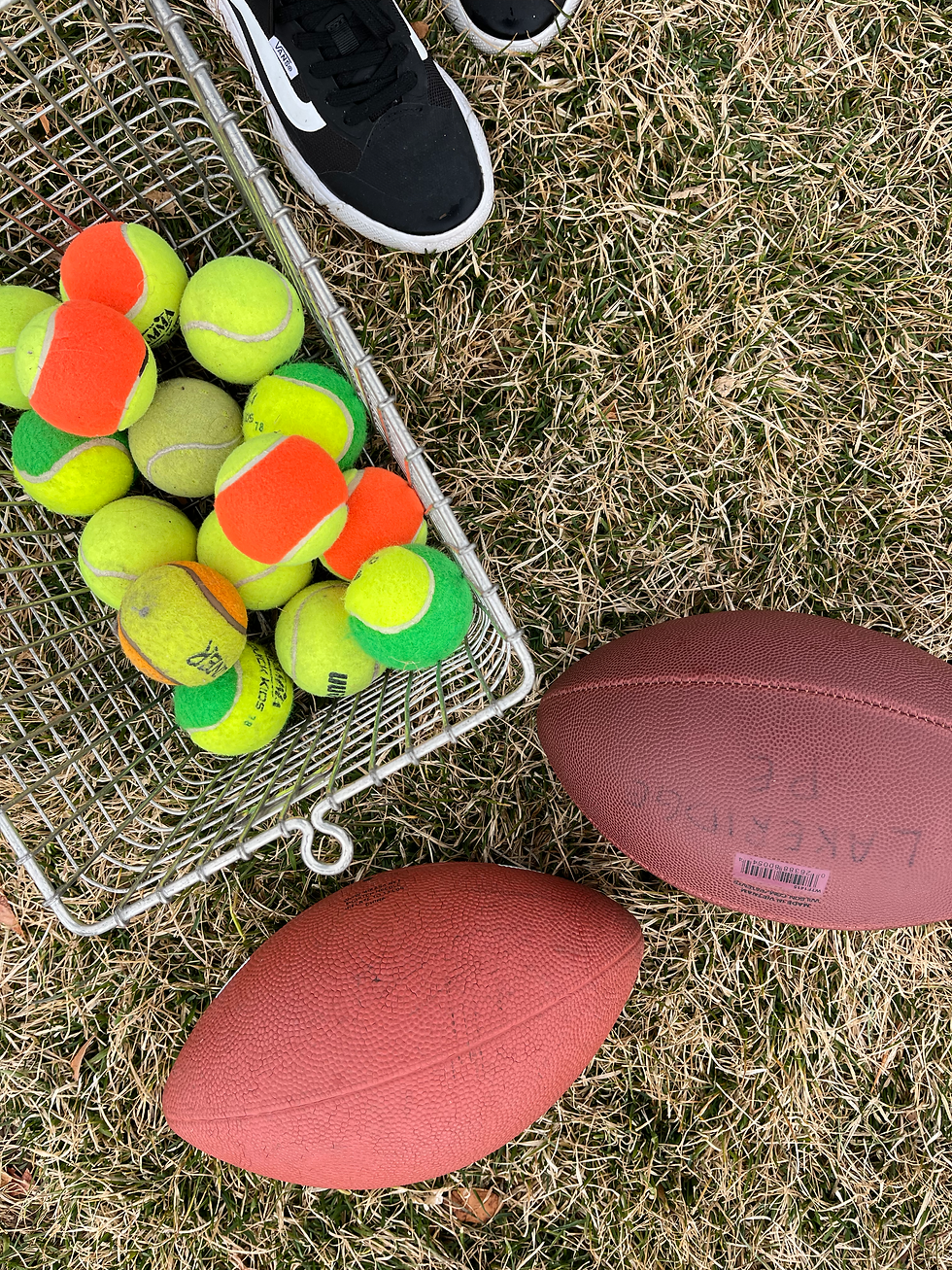
Teaching Tip: Wear comfy shoes! You are standing all day and your feet will thank you later! |
If you have any questions about a major in the McKay School do not hesitate to meet with a student ambassador! Click here to schedule an appointment.


Comments